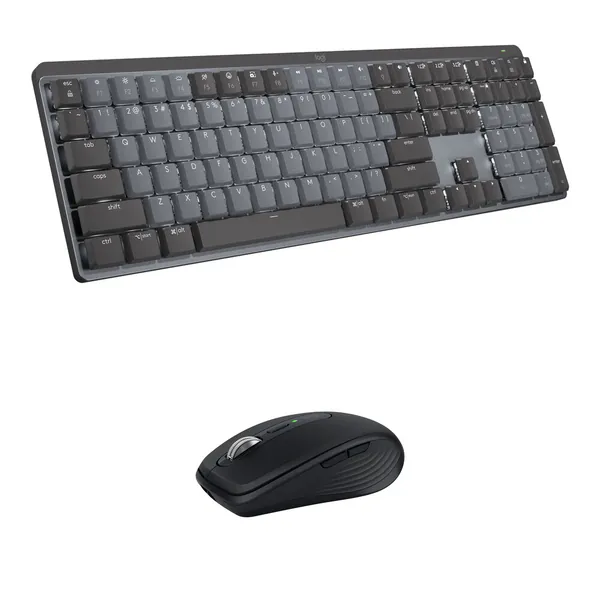
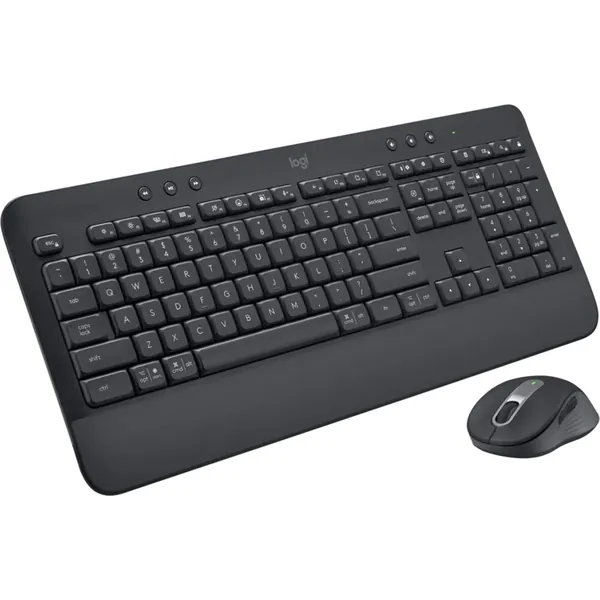
Logitech MX Wireless Mechanical Keyboard and Anywhere 3S Mouse Kit (Tactile Quiet, Grey/Black)


JBL Tune 760NC
-

OnePlus 15 5G 12/256GB
TZS 2,200,000 -
Anker 323 Power Bank
TZS 100,000 -
Apple iPhone 11 Pro 128GB
TZS 1,350,000 -
Apple iPhone X 64GB
TZS 550,000 -
Meta Quest 3 256GB
TZS 1,600,000 -
oraimo FreePods Lite
TZS 50,000





Work with comfort, precision, and near silence with the Logitech MX Wireless Mechanical Keyboard and Anywhere 3S Mouse Kit from B&H. The included MX Mechanical Wireless Keyboard features tactile quiet switches, which complement the six quiet-click buttons of the black MX Anywhere 3S mouse. Both offer high precision and a low-profile design for easy travel. With wireless connectivity via Bluetooth or using the included Logi Bolt USB receiver, you can connect these low-profile peripherals with a laptops, tablets, and smartphones.
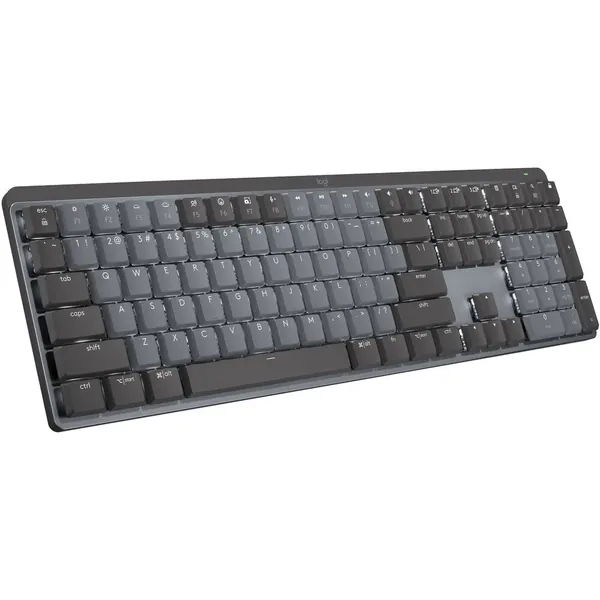
Enjoy smooth, precise, and comfortable typing experiences with the MX Mechanical Wireless Keyboard from Logitech. Its smooth matte keys feature tactile quiet switches that are designed with a tactile bump, providing you feedback as each keystroke is registered while minimizing noise. This full-size, low-profile keyboard also includes dual color keycaps that are easily seen using peripheral vision so that you can orient your hands without breaking your concentration. Additionally, the Smart Illumination backlighting turns on when it senses your hands approaching and adjusts to match the lighting conditions of your environment, so you'll always have a clear view of the keys.
Customize your keyboard to fit your workflow with the Logi Options+ software for Windows and macOS. The Logitech MX Mechanical Wireless Keyboard connects to your system using the included Logi Bolt USB Type-A receiver or via Bluetooth. It may be paired with up to three devices, and you can switch between them with the touch of a button. This wireless keyboard is designed to work with Windows 10 and 11, macOS 10.15, iOS 14, iPadOS 14, and Android 8.0 or later in addition to Linux and Chrome OS devices.
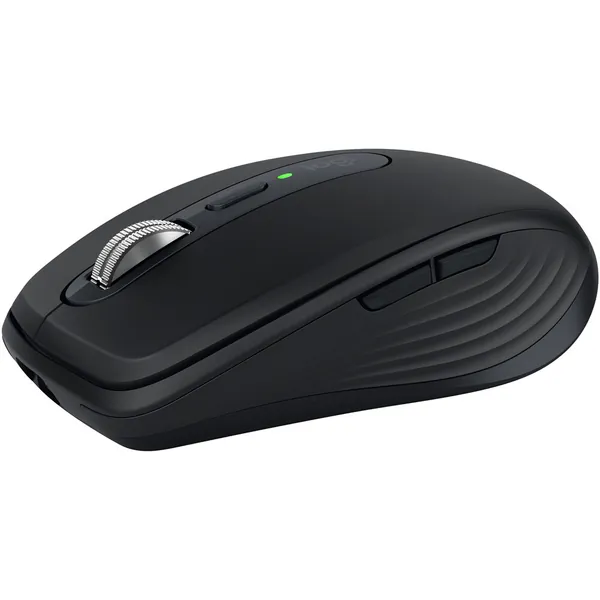
Enhance your on-the-go workflow with the Logitech MX Anywhere 3S Wireless Mouse. Built to go everywhere you do, this black wireless Bluetooth mouse delivers exceptional precision with its 8000 dpi Darkfield sensor, which is designed to track on almost any surface, even glass. Six customizable Quiet Click buttons help to reduce noise distractions while the MagSpeed electromagnetic scroll wheel lets you breeze through content at up to 1000 lines per second in near silence. Additionally, the contoured, low-profile right-handed design makes the mouse easy to carry and use.
Designed to meet the Intel Evo standards, you can pair the MX Anywhere 3S with up to three Windows, Mac, ChromeOS, and Linux systems. You can also link it with a separately purchased Logi Bolt receiver. Use the Logi Options+ software for Windows and Mac to optimize your workflow across multiple computers. The built-in battery is designed to last for up to 70 days and can provide up to three hours of use from a one minute charge.
-
Abraham Mdemu
04-08-2026Absolutely love this combo! The keyboard feels premium with quiet, tactile keys, and the mouse is incredibly precise—even on glass. Battery life is stellar, and switching between devices is seamless. Worth every penny!
-
JBL Tune 760NC
TZS 300,000
Related products
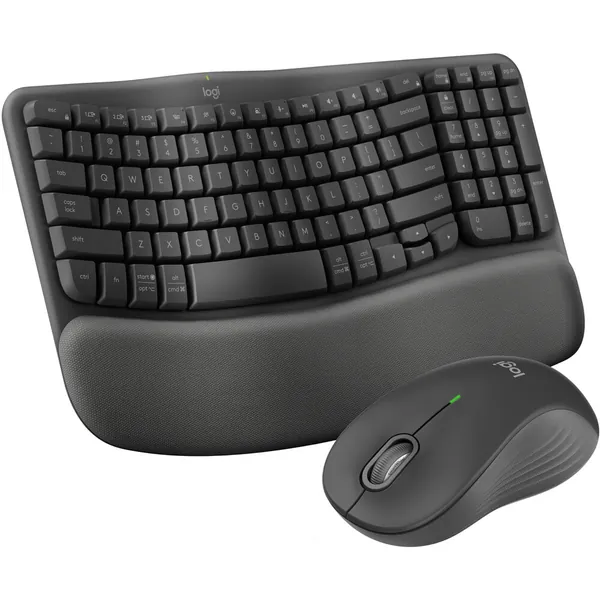
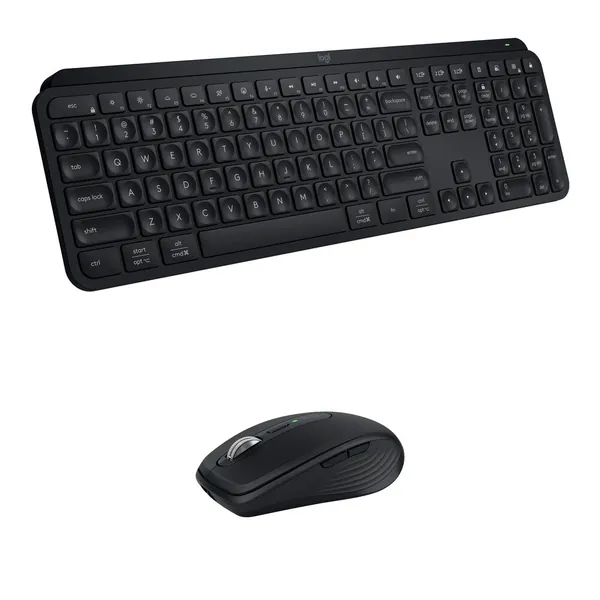
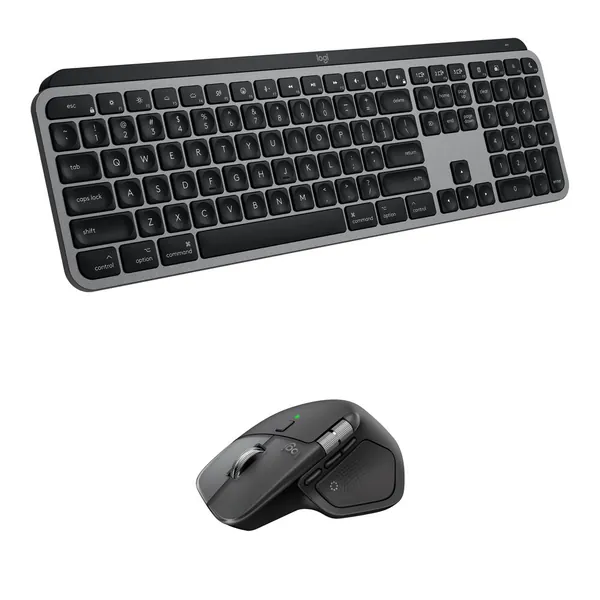
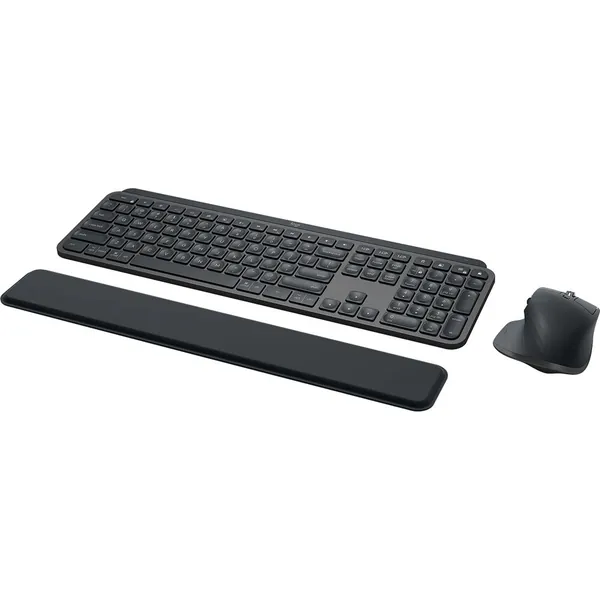
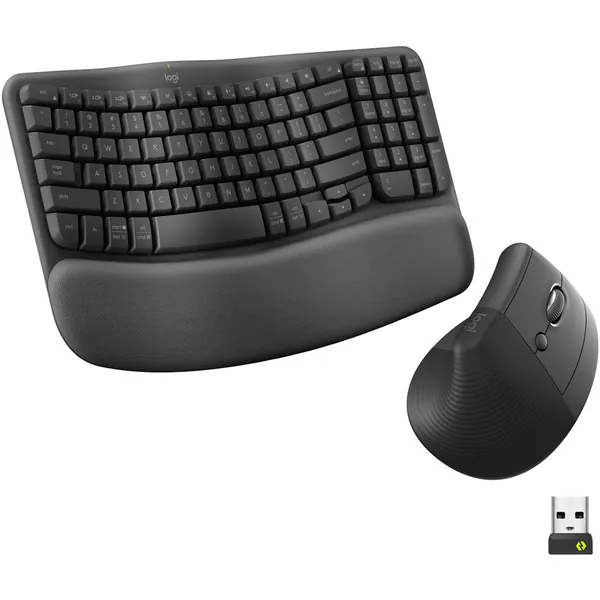
Logitech Wave Keys and Lift Combo (Graphite)
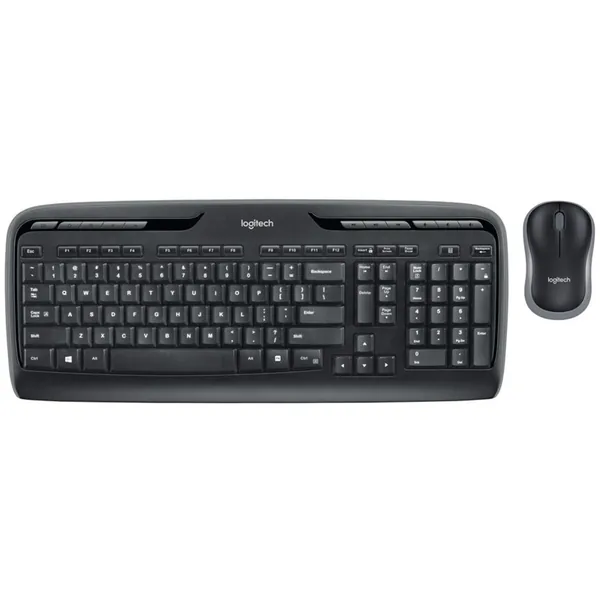
Logitech MK320 Wireless Desktop
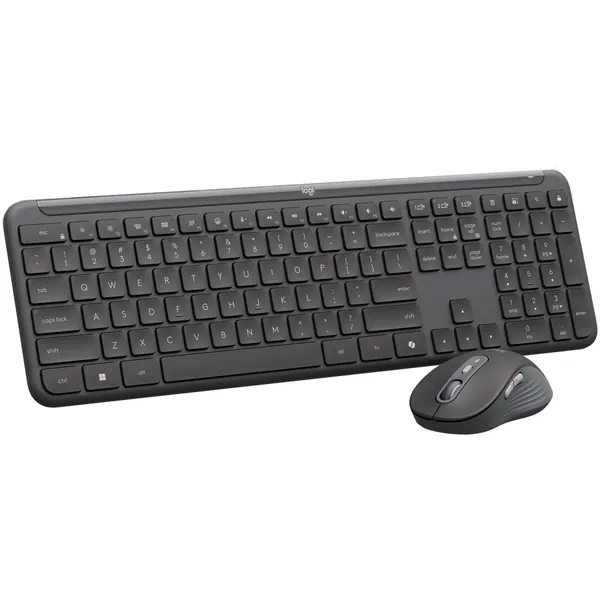
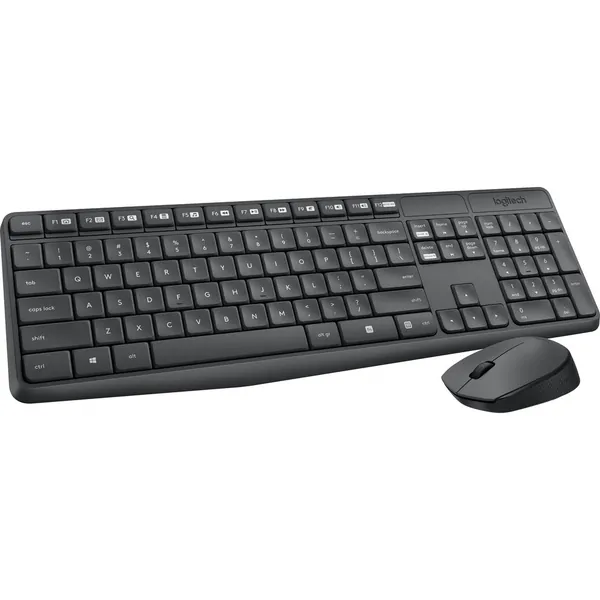
Logitech MK235 Wireless Keyboard and Mouse



Contact Info
- Address: Mwananyamala Komakoma, Jannat Plaza, Ground Floor
- Phone: +255683239638
- Email: sales@shopflix.co.tz